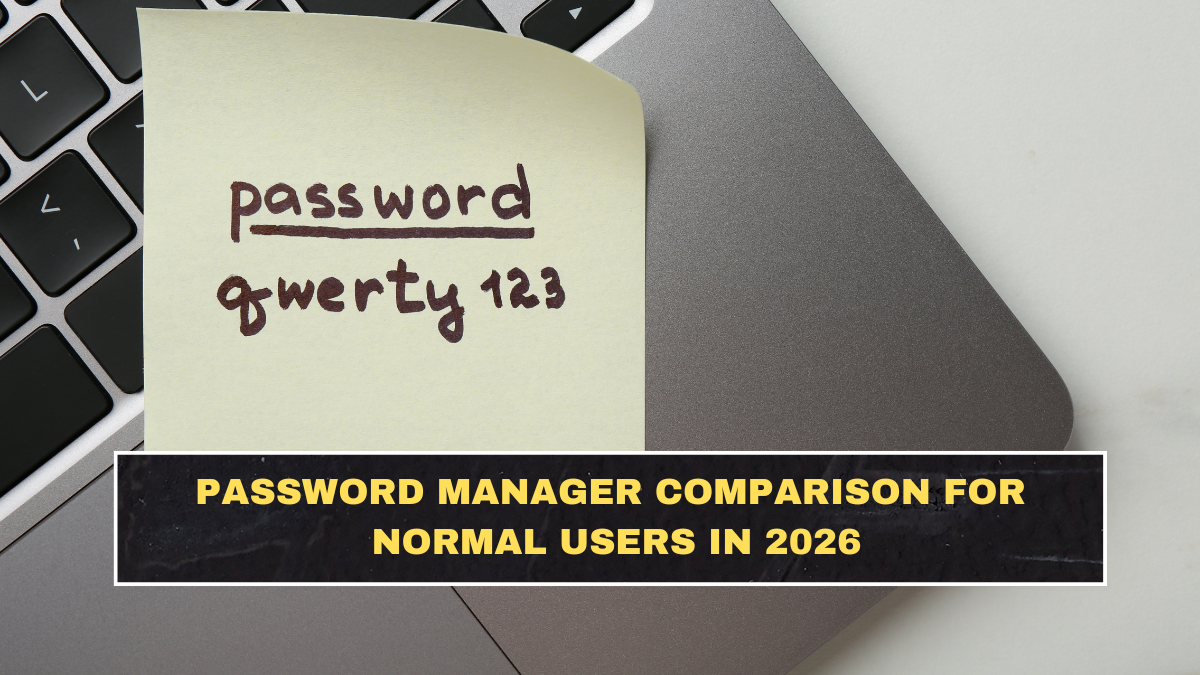
Most people do not need a “cybersecurity stack.” They need fewer reused passwords, fewer account lockouts, and less chance of getting wrecked because one old breach exposed everything else. That is why password managers still matter. NIST says experts highly recommend using a password manager for accounts that still require passwords, and the FTC also tells consumers to consider a reputable password manager because it can create strong passwords and store them for you.
The mistake normal users make is thinking the comparison starts with which app sounds the most secure in marketing language. It does not. For everyday people, the real comparison starts with basic questions: Is it easy enough that you will actually use it? Does it work across your devices? Can it generate unique passwords and store passkeys? Can it alert you about weak or exposed passwords? Can you share logins safely with family without texting passwords around like an amateur? Those practical differences matter more than brand hype. Consumer Reports says the better password managers combine ease of use, strong data security protections, and useful privacy controls.
Why should normal users use a password manager at all?
Because normal users are exactly the people who benefit most. NIST says password managers make it easier to generate long, complex passwords and store them securely so you do not have to remember or write them down. The FTC also warns against reusing passwords across accounts because once one account is exposed, attackers often try the same credentials elsewhere.
There is another point people ignore: password managers help because humans are bad at repetition without shortcuts. If you rely on memory alone, you usually end up reusing weak variants of the same password. That is not discipline. That is a predictable security failure wearing a confidence mask.
Which password-manager features actually matter most?
| Feature | Why it matters for normal users | What to look for |
|---|---|---|
| Cross-device sync | Your passwords are useless if they only live on one device | Works smoothly on phone, laptop, and browser |
| Strong password generator | Stops you from inventing weak recycled passwords | Easy one-click generation |
| Autofill | Reduces friction so you actually use the manager | Reliable browser and app filling |
| Breach or weak-password alerts | Helps you fix risky logins before they become a bigger problem | Security dashboard or password health report |
| Passkey support | Future-proofs sign-ins as more services move beyond passwords | Can create, save, and sync passkeys |
| Secure sharing | Lets couples or families share access safely | Shared vaults or item sharing controls |
This is where the comparison should stay grounded. Zapier’s 2026 roundup said passkey support is now basically mandatory for a top-tier password manager, and highlighted breach notifications, security audits, and password-health tools as major differentiators. Consumer Reports also emphasizes ease of use and strong privacy protections in its own testing.
Is passkey support a big deal now?
Yes, increasingly. Microsoft moved new accounts toward passwordless sign-ins by default and reported very high passkey success rates compared with passwords, which shows where account security is going. Password managers that support passkeys are not just adding a trendy feature. They are staying relevant as more services reduce reliance on traditional passwords.
That does not mean passwords disappear tomorrow. It means a good password manager in 2026 should handle both worlds: old logins that still need strong unique passwords, and newer accounts that support passkeys. If a tool is weak on passkeys now, it is already aging.
What makes one password manager better for families?
Normal family use is less about advanced security jargon and more about sharing without stupidity. Parents, partners, or households often need shared access to Wi-Fi credentials, streaming accounts, bills, travel logins, or emergency records. A good family option should let people share selected items without exposing every password to everyone. It should also make onboarding easy enough that less technical family members can actually use it. Recent reviews focused on family plans keep highlighting secure sharing, multiple vaults, and simple multi-user management as the most practical family features.
This is where people still do reckless things like keeping shared passwords in notes apps, email drafts, or group chats. That is lazy and unnecessary. If you are serious about family security, safe sharing should be part of the tool, not a workaround outside it.
Should normal users use a browser password manager instead?
Sometimes, but with limits. Browser and device-based password storage is better than reusing weak passwords from memory, and the FTC acknowledges that browsers and devices can save passwords too. But dedicated password managers usually offer more complete cross-platform support, more detailed security checks, better sharing features, and stronger organization.
So the honest answer is this: built-in browser storage is fine if the alternative is terrible password habits. But if you want one system that works across devices, supports family sharing, and gives you better security visibility, dedicated password managers usually make more sense.
What should normal users avoid when choosing one?
Avoid choosing based only on price. Cheap is meaningless if the app is so annoying that you stop using it. Avoid choosing only on marketing claims about being “military grade,” which tells you almost nothing useful. And avoid any tool that makes importing, organizing, or filling passwords a pain. Consumer Reports’ testing focus on usability is important here because the most secure tool on paper is useless if normal people hate using it.
You should also avoid weak setup habits after choosing a manager. The FTC says the master password needs to be strong, and CISA continues to stress phishing awareness because no password manager saves you if you still hand credentials to fake sites.
What is the smartest setup for everyday users?
Use a strong master password or passphrase, enable the manager’s strongest account protection options, turn on multi-factor authentication for the manager itself, and start by saving your most important accounts first: email, banking, cloud storage, shopping, and work logins. NIST recommends password managers because they reduce the burden of secure password creation, and CISA’s broader security guidance reinforces the value of MFA and phishing awareness around credentials.
The critical part is email. If your email account is weak, everything else can unravel through password resets. So when people ask where to start, the answer is not “every account equally.” Start with the account that can unlock the rest.
What is the simplest comparison rule for normal users?
Pick the manager that you will actually use everywhere, that supports passkeys, that makes autofill painless, that alerts you to weak or breached passwords, and that can safely share selected items if your household needs it. Everything else is secondary. That is the blunt truth.
Conclusion
Password managers are still one of the easiest security upgrades normal users can make in 2026. NIST recommends them, the FTC recommends them, and current product guidance makes clear that the features that matter most are not exotic ones. They are cross-device sync, strong password generation, autofill, breach alerts, passkey support, and safe sharing. If a password manager is easy enough that you actually use it and strong enough to reduce reused-password chaos, it is already doing its job. If you are still juggling logins in your head or in a notes app, you are not saving effort. You are borrowing trouble.
FAQs
Do security experts actually recommend password managers?
Yes. NIST says experts highly recommend using a password manager for accounts that require passwords, and the FTC also advises consumers to consider reputable password managers.
What features matter most in a password manager in 2026?
The most useful features are cross-device sync, strong password generation, autofill, breach alerts, passkey support, and secure sharing for families or couples.
Are passkeys important yet?
Yes. Passkeys are becoming much more important, and Microsoft’s passwordless push shows the direction of travel clearly. A good password manager should support them now.
Is a browser password manager enough for normal users?
It can be better than reusing weak passwords, but dedicated password managers usually offer broader cross-platform support, stronger sharing features, and better password-health tools.
Click here to know more